
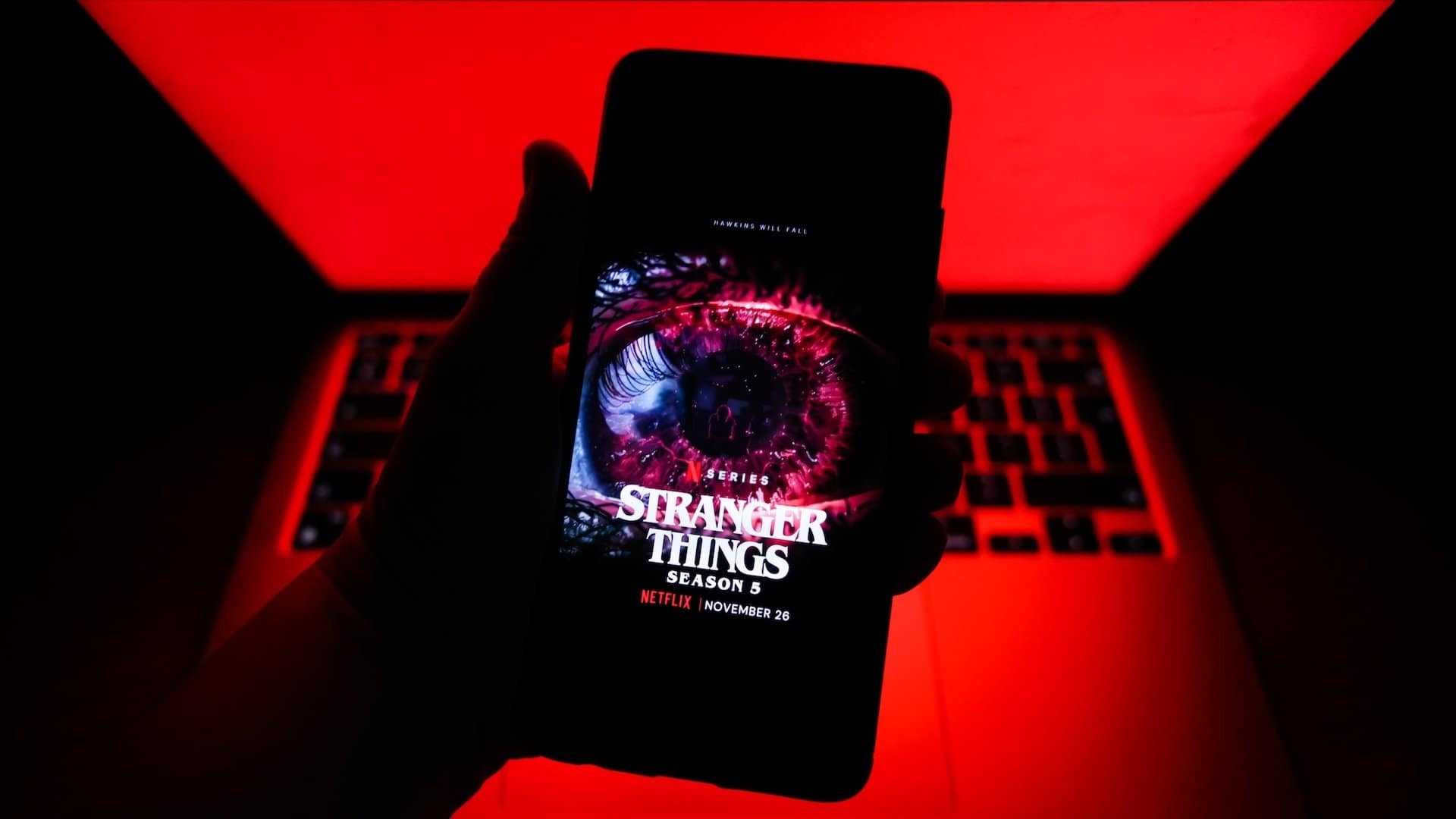

Trying to cast Netflix to your TV from your phone? If you don't have an older Chromecast, you might have an issue.
First reported by Android Authority and confirmed in a help page on Netflix's website, the company said, "Netflix no longer supports casting shows from a mobile device to most TVs and TV-streaming devices."
Notably, the streamer stated you can still cast Netflix from your phone if you're using an older Google Chromecast device or a TV that works with Google Cast. But if you're using a newer Chromecast or TV without Google Cast, you'll "need to use the remote that came with your TV or TV-streaming device to navigate Netflix."
At the time of writing, I was able to throw Netflix from my iPhone to my Chromecast without issue, but it's a pretty damn old Chromecast. If you're in the same boat and the "Cast" button is not appearing on your phone, you might need to check all devices are connected to the same WiFi and your phone is set to allow Netflix to find devices on local networks.
Featured Video For You
It's not clear where the "older" cut-off lies for Chromecasts or TV models that will still work with Netflix casting, so we've reached out to Netflix for further information to clarify this.
Notably, the streamer also stated that if you're on an ad-supported Netflix plan, "you won't be able to use your TV as a display for Netflix content playing on your mobile device (casting or mirroring)" at all. We've also asked Netflix to clarify whether Standard and Premium subscribers will still be able to do so.